Coupon codes are a blunt tool. You send one out, everyone uses it once, and your margins take a hit with nothing to show for it next month. Member discounts work differently: a customer pays to join, then gets better prices every time they buy. That changes how often they come back.
This guide explains member discounts in WooCommerce: when they make money and when they just give it away, the different ways to structure them, and how to set them up so members see their price automatically without typing a code.
Key takeaways
What Are Member Discounts?
Member discounts are lower prices that apply automatically to customers with an active membership. Instead of entering a coupon, a logged-in member sees the discounted price on product pages and in the cart. Discounts can be store-wide, limited to certain products or categories, or different for each membership tier.
Do Member Discounts Make Money?
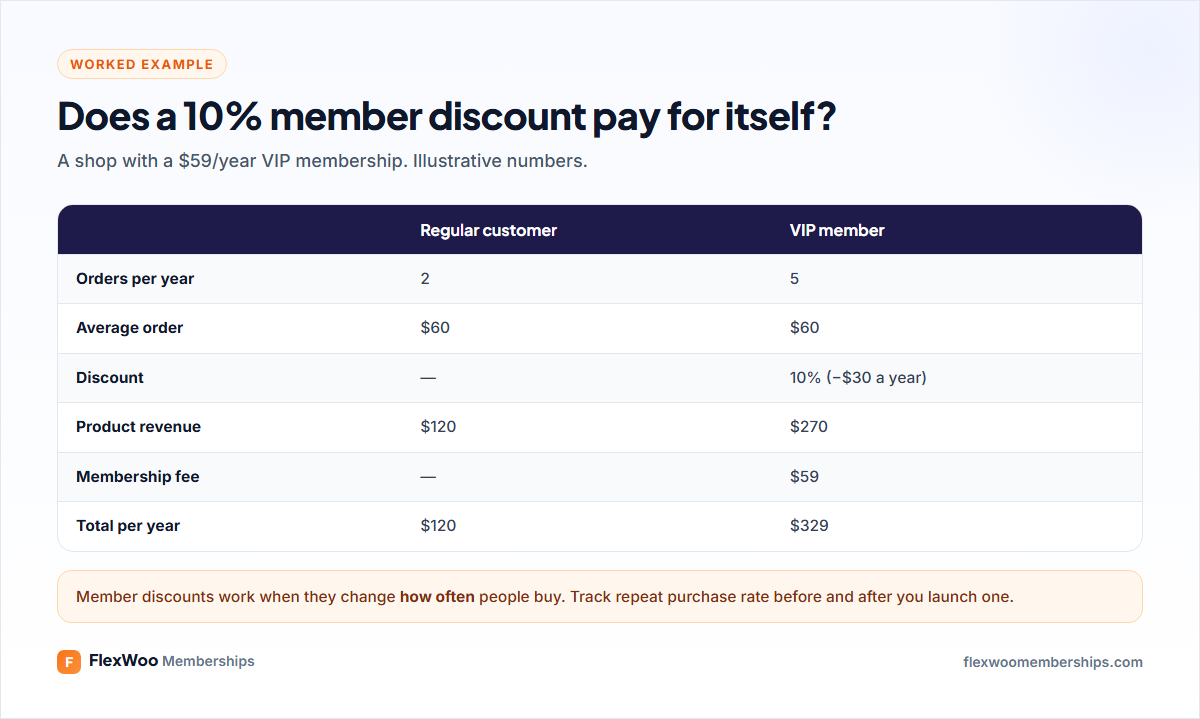
In the example, the VIP member gets $30 a year in discounts, but pays $59 to join and buys more often. The store earns $329 from them instead of $120. The discount works because it changes behaviour: people who have paid for a membership want to get their money’s worth.
It does not always work. If your products are bought once and rarely again (a mattress, a wedding dress), a member discount mostly gives away margin. It works best for things people buy repeatedly: coffee, supplements, craft supplies, books, digital assets, pet food.
Ways to Structure Member Discounts
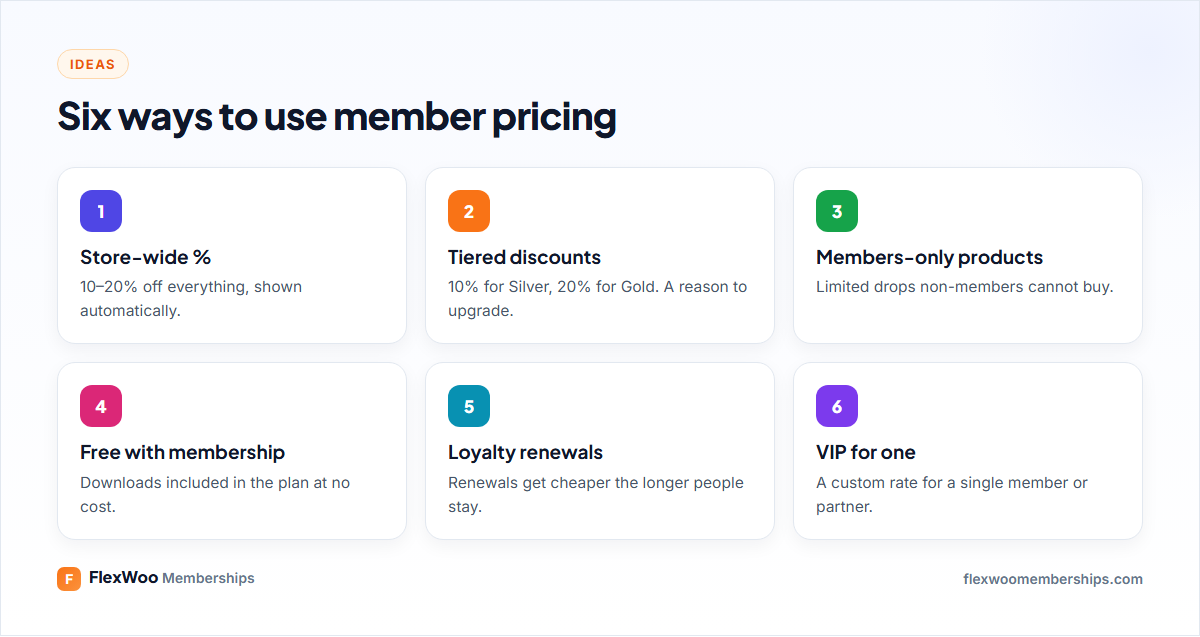
Store-wide percentage
The simplest: members get 10% off everything. Easy to explain on the sales page (“Members save 10% on every order”) and easy to understand at checkout.
Tiered discounts
Each tier gets a bigger discount, for example 10% for Silver and 20% for Gold. For frequent buyers, the maths on upgrading becomes obvious. Our guide to membership tiers covers how to space them.
Members-only products
Some products can only be bought by members: limited roasts, early access to new collections, member bundles. This gives non-members a reason to join that a discount alone does not.
Free with membership
For digital products, the ultimate member discount is 100%: members download included files for free, or with monthly credits.
Loyalty pricing on renewals
Discount the membership itself the longer someone stays, for example 10% off from the fourth renewal. It rewards loyalty instead of only rewarding new sign-ups.
How to Set Up Member Discounts in WooCommerce
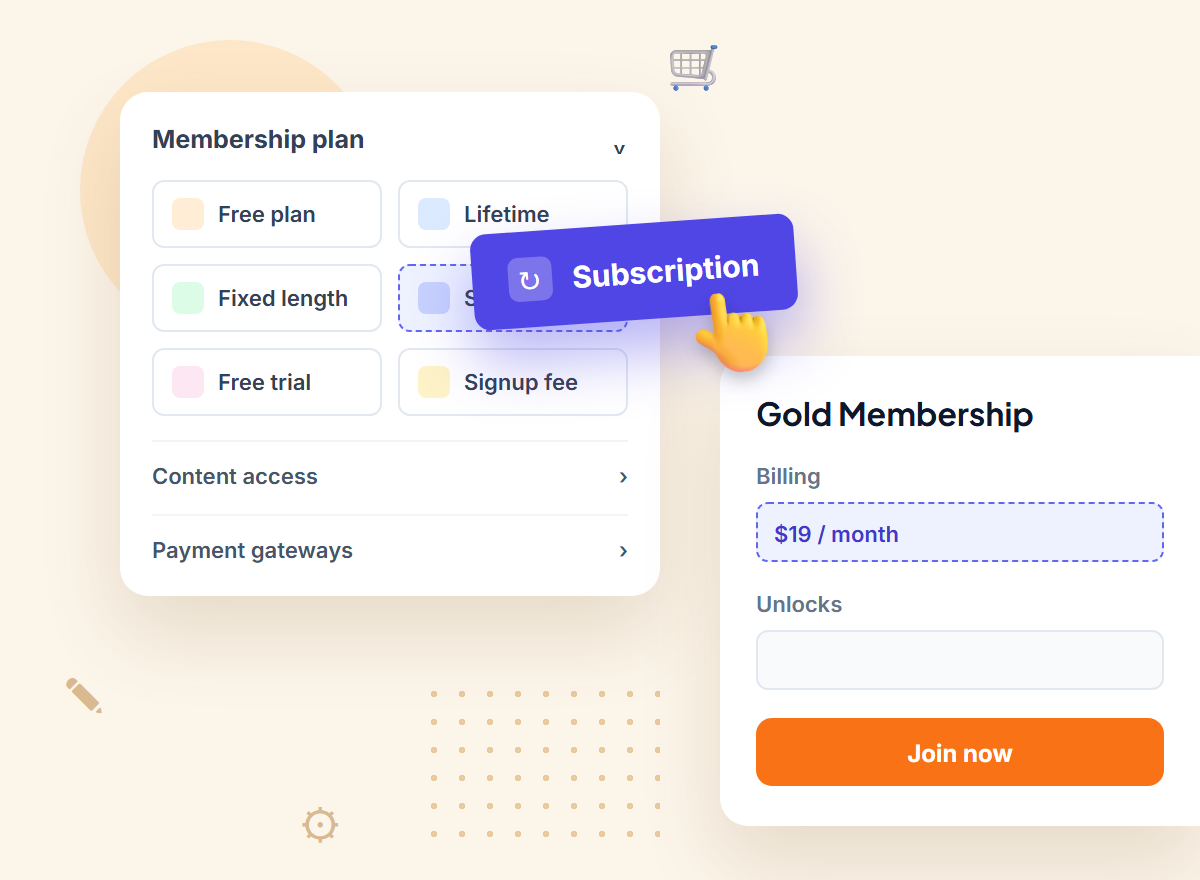
With FlexWoo Memberships Pro, discounts are set on the membership plan, so they apply automatically to everyone on that plan.
Step 1: Add a discount to the plan
Open the plan under FW Memberships → Memberships → Membership Plans, turn on Give a discount and enter a percentage. Members now see the discounted price on products in your shop.
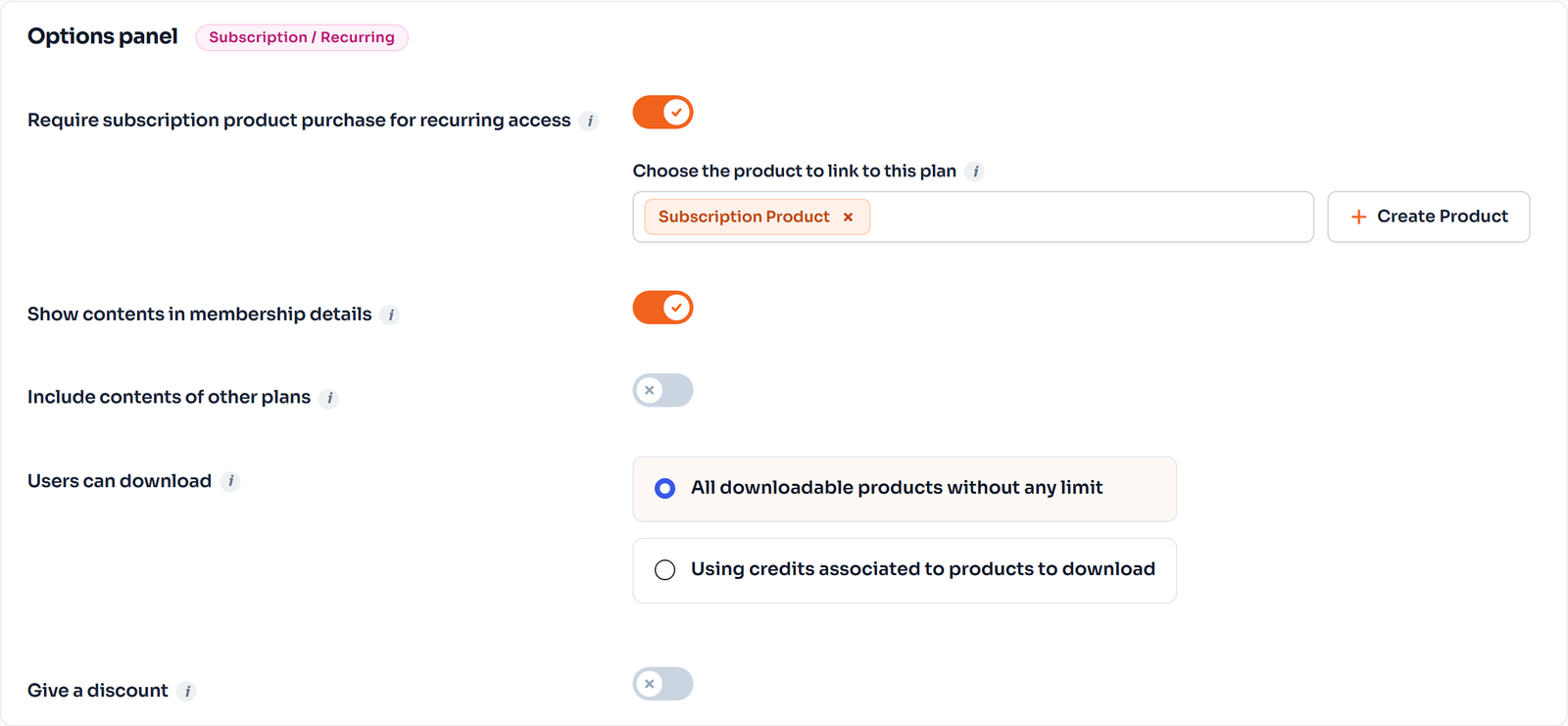
Step 2: Decide how discount changes apply
Under Memberships → Settings, For member discounts, apply decides whether a member keeps the percentage that applied when they joined, or always gets the plan’s latest percentage. Keeping the join-time rate is a nice loyalty touch if you lower discounts for new members later.
Step 3: Give individual members a custom rate
A per-member override lets you give one member a different rate, useful for partners, staff, wholesale customers or a VIP who has been with you for years.
Step 4: Show members what they save
The Member Discounts Grid block and Elementor widget list products with member prices, which works well on a members’ home page or a “Member deals” page. Seeing the savings regularly reminds members why they joined.
Step 5: Add members-only products
Unlock specific products or a product category in the plan, and under Content Restriction choose to hide restricted products from non-members. They cannot see or add those products to the cart; members can.
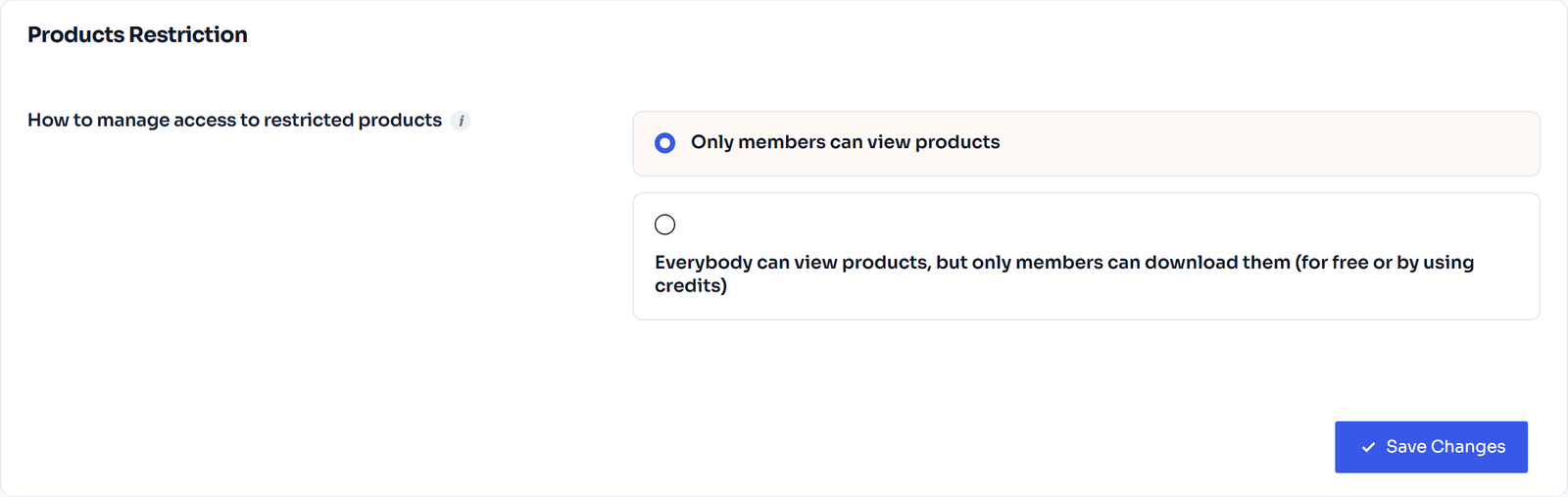
Step 6: Reward loyalty on renewals
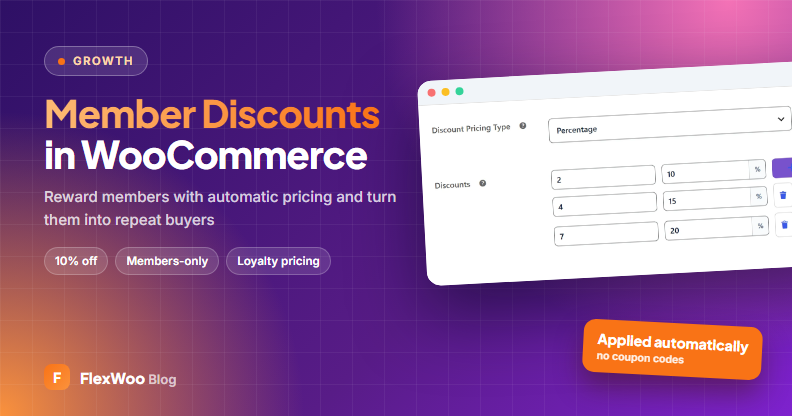
On the membership’s subscription product, set the Discount Pricing Type to a percentage or fixed discount that changes with the renewal number, for example 10% off from renewal 4 and 20% from renewal 7.
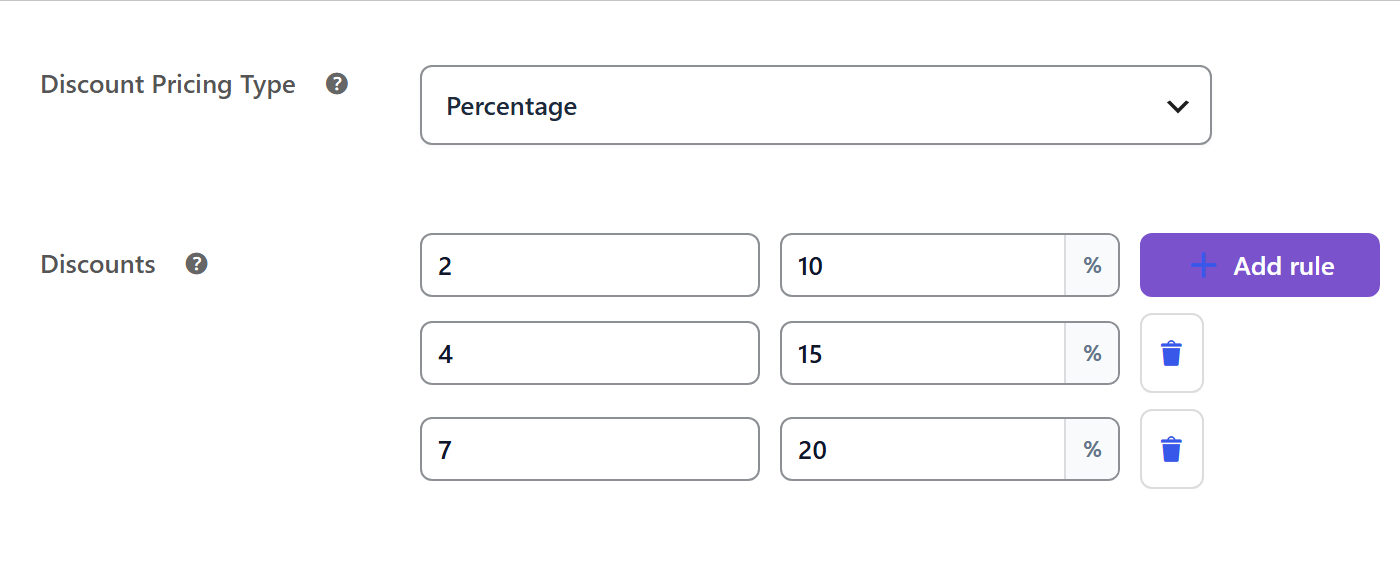
Tips to Make Member Discounts Work
FAQ: Member Discounts in WooCommerce
Give Members a Reason to Come Back
A good member discount turns a one-time customer into a regular. Pair it with a membership fee, make the savings visible, add a few members-only products and reward people who stay. Then watch repeat orders, not just the discount line. Running a box? See how to start a subscription box business.