Every membership site has a leak. New members come in at the top, and some quietly drain out the bottom every month. Most owners respond by pouring in more new members. It is the expensive fix. Plugging the leak is cheaper, faster and compounds every month.
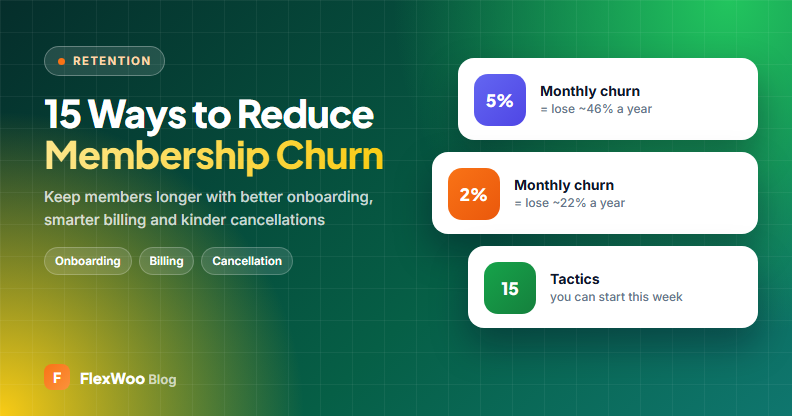
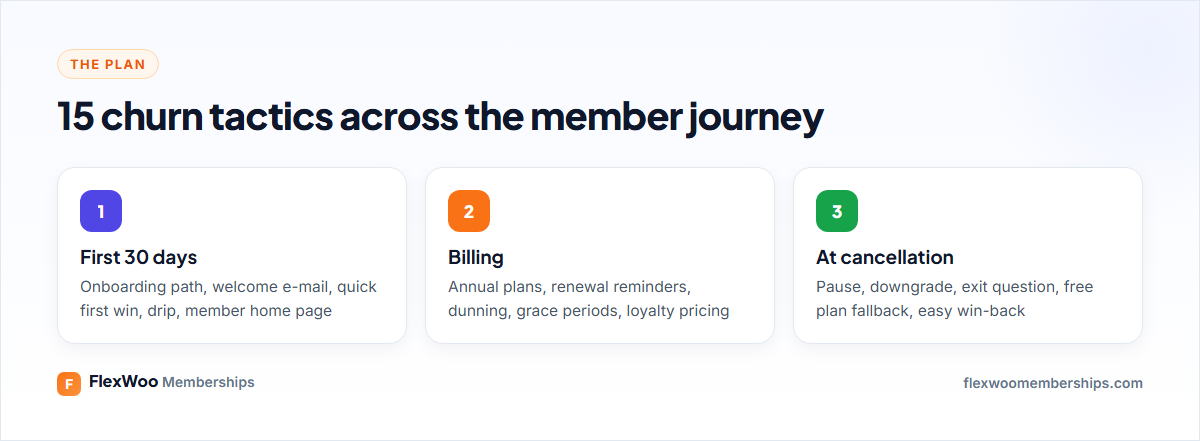
This guide covers how to reduce membership churn with 15 tactics we have seen work, grouped by when they matter: the first 30 days, billing, and the moment someone tries to cancel. Each one comes with how to set it up on a WordPress membership site.
Key takeaways
What Is Membership Churn?
Membership churn is the share of members who leave in a given period. Monthly churn rate = members who cancelled or lapsed this month ÷ members at the start of the month. If you start with 500 members and 20 leave, your monthly churn is 4%.
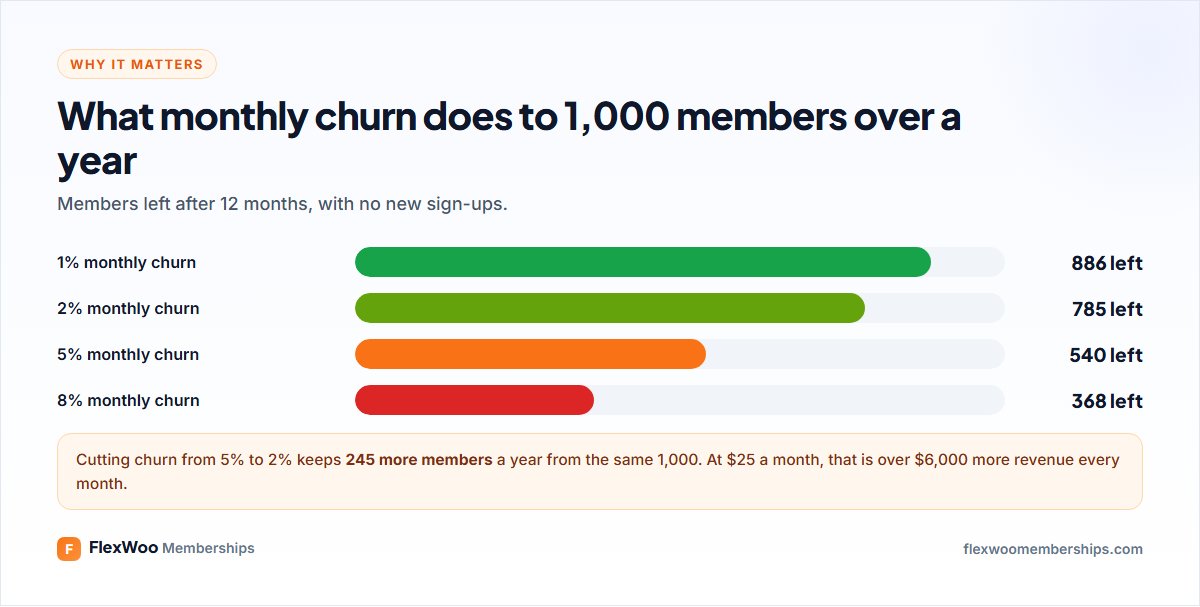
Churn has two kinds. Voluntary churn is when people decide to cancel. Involuntary churn is when a payment fails and nobody fixes it. They need different fixes, so measure both. Our guide to membership metrics shows how.
The First 30 Days: Onboarding
1. Give every new member one clear first step
The most common reason people cancel early is that they never really started. A new member should know, within a minute of joining, the single thing to do first.
How to do it: create a “Start here” page and send members there after login with a redirection rule (FW Memberships → Settings → Redirection Rules).
2. Rewrite your welcome e-mail
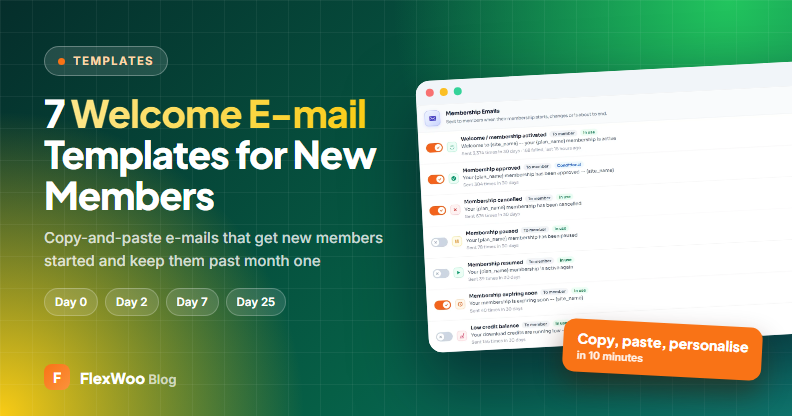
The welcome e-mail is the most-opened message you will send. Use it to deliver the first step, not to list every feature.
How to do it: edit the Welcome / membership activated e-mail under FW Memberships → Notifications. We share seven templates in welcome e-mails for new members.
3. Deliver a quick win in week one
Members who get a result early stay. A beginner workout they complete, a template they use the same day, a question answered in the community.
How to do it: put your best “quick win” content at the top of the Start here page.
4. Drip structured content
Unlocking everything at once leads to binge-and-cancel. Releasing modules weekly gives members a reason to come back.
How to do it: set drip delays per plan on each lesson (Pro). See drip content.
5. Build a real members’ home page
A blank account page feels like nothing is there. A home page with their plan, what is new and what is next makes the membership feel alive.
How to do it: use the Member Dashboard Hub, Member Status Card and Drip Content Schedule blocks (Pro), or link your best pages manually.
Billing: Stop the Silent Churn
6. Recover failed payments
Expired and declined cards end memberships that nobody chose to end. Retries, a clear “update your card” e-mail and a grace period win back a large share.
How to do it: set the payment failed action and grace period under Subscriptions → Settings (Pro). Full guide: failed payments and dunning.
7. Send renewal reminders
A surprise charge leads to a refund request or a dispute. A reminder a few days before, especially for annual plans, leads to a renewal.
How to do it: set reminder timing under Subscriptions → Settings → Reminder e-mails (3 days by default).
8. Push annual plans
Annual members decide once a year instead of twelve times. Price the year at about ten months and present it next to monthly.
How to do it: create an annual product for each plan and show both with the pricing table toggle (Pro). See membership pricing.
9. Reward loyalty with renewal pricing
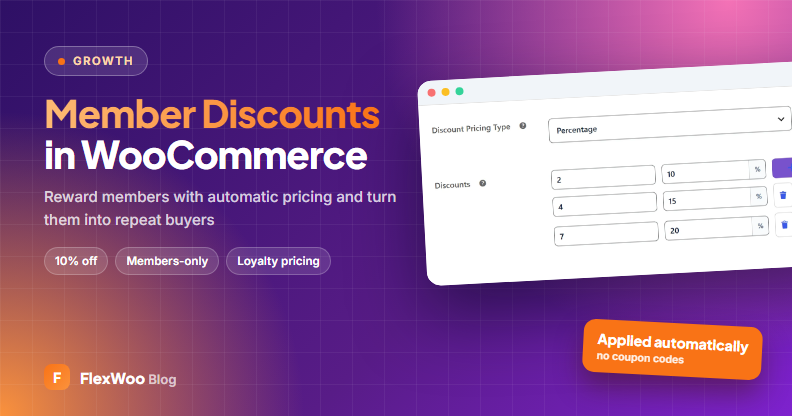
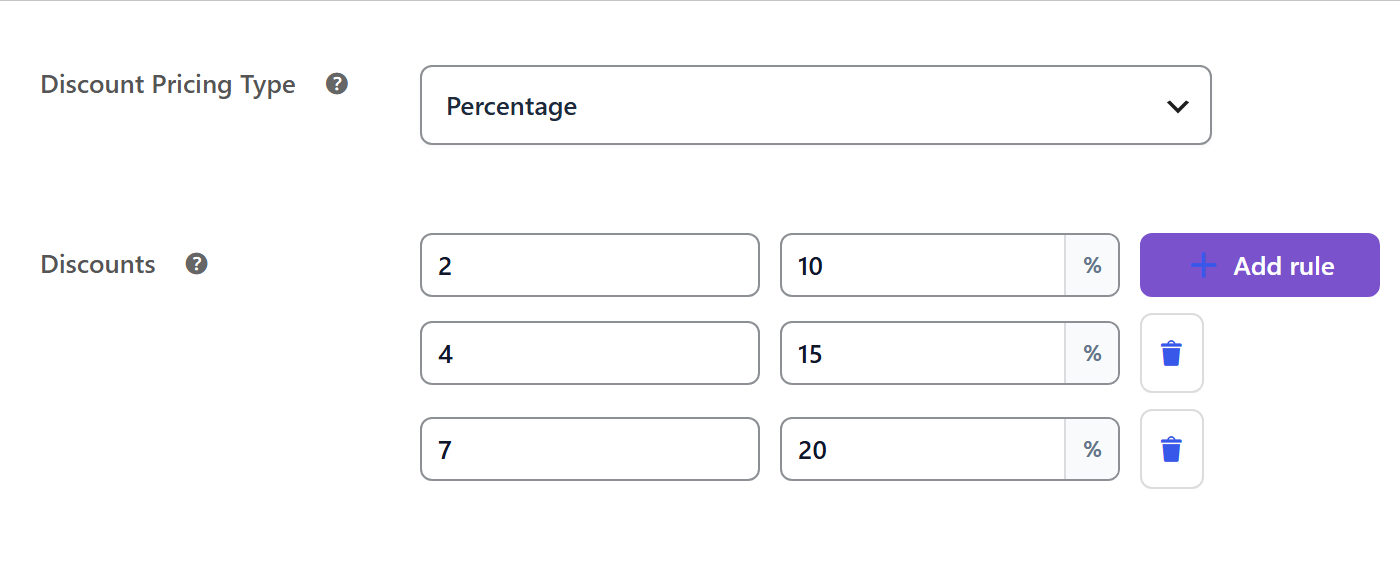
Instead of discounting new members, reward the ones who stay: for example 10% off from the fourth renewal.
How to do it: set a Discount Pricing Type with renewal steps on the subscription product (Pro).
At Cancellation: Give People Options
10. Offer a pause
Many cancellations are temporary: a busy month, a holiday, too much product. A pause keeps the member and their history.
How to do it: allow pausing under Subscriptions → Settings, with or without limits, and let members pause from My Account (Pro).
11. Offer a downgrade
Someone leaving a $49 tier may happily stay on a $19 tier. A downgrade is a win compared with a cancellation.
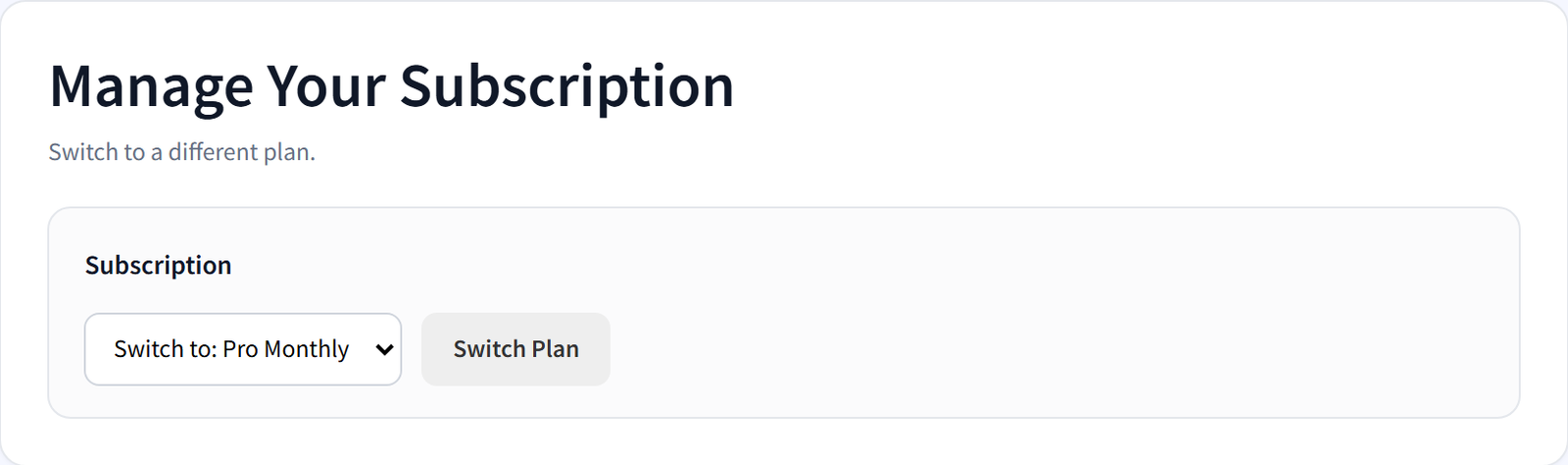
How to do it: let members switch plans from My Account with proration (Pro). See membership tiers.
12. Move cancelled members to a free plan
When someone does cancel, keep the relationship. A free plan keeps them on your list and in your community, one click from coming back.
How to do it: set the cancel subscription action to move members to a free plan under Subscriptions → Settings.
13. Ask why, every time
One question, “What made you cancel?”, with four or five options, tells you exactly what to fix. “Too expensive”, “not using it” and “missing feature” need different responses.
How to do it: add a short form to your cancellation confirmation page or the cancellation e-mail.
14. Keep access until the end of the paid period
Cutting access the moment someone clicks cancel feels punitive. Letting them use what they paid for leaves the door open, and many change their mind.
How to do it: choose “keep access until the paid period ends” under Subscriptions → Settings.
15. Win back past members
Former members already know you. A short e-mail when you launch something new, or a comeback offer three months later, often brings a few back.
How to do it: export expired and cancelled members from FW Memberships → Tools → Import / Export and send a targeted e-mail.
Measure Churn Every Month
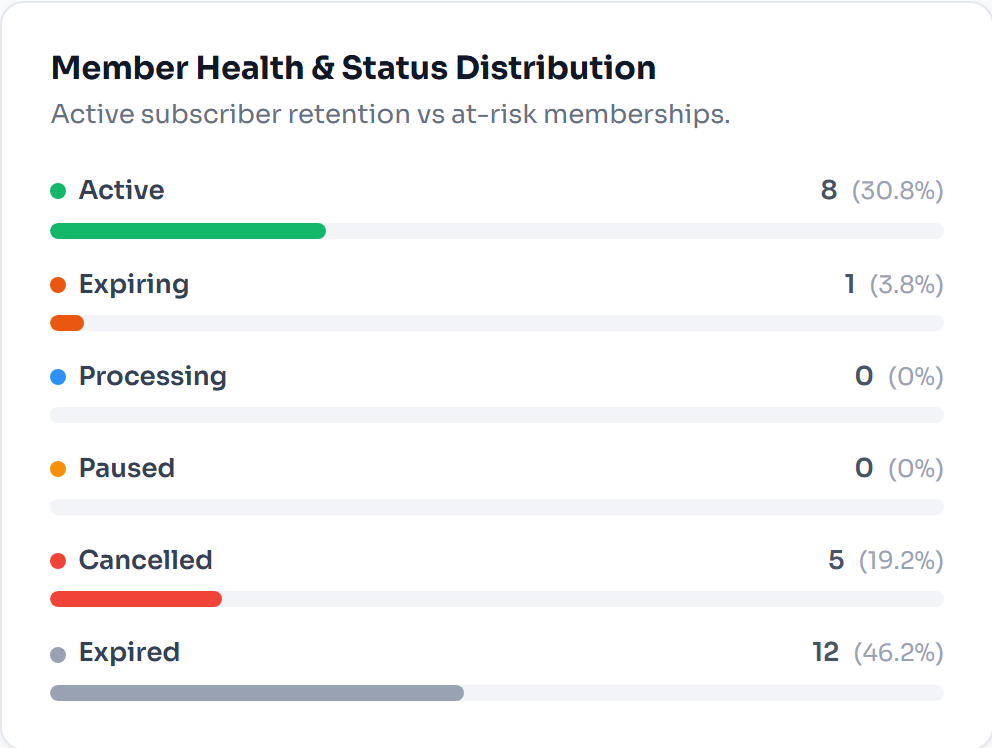
You cannot improve what you do not track. FlexWoo’s dashboard shows new, cancelled and expired memberships each month and memberships ending soon. Advanced Analytics (Pro) adds churn, subscriber lifetime value and failed payments per gateway.
| Monthly churn | What it usually means |
|---|---|
| Under 3% | Healthy for most memberships |
| 3–7% | Typical; worth working on onboarding and billing |
| Over 7% | Something is broken: check failed payments and the first-month experience first |
Benchmarks vary a lot by niche and price, so compare yourself mostly with your own previous months.
FAQ: Reducing Membership Churn
Plug the Leak First
Growth is not only about new members. Start with failed payments, because that is the fastest win, then fix the first 30 days, then give people better options when they want to leave. Do those three and your membership grows faster with the same marketing.